

•ether.fi
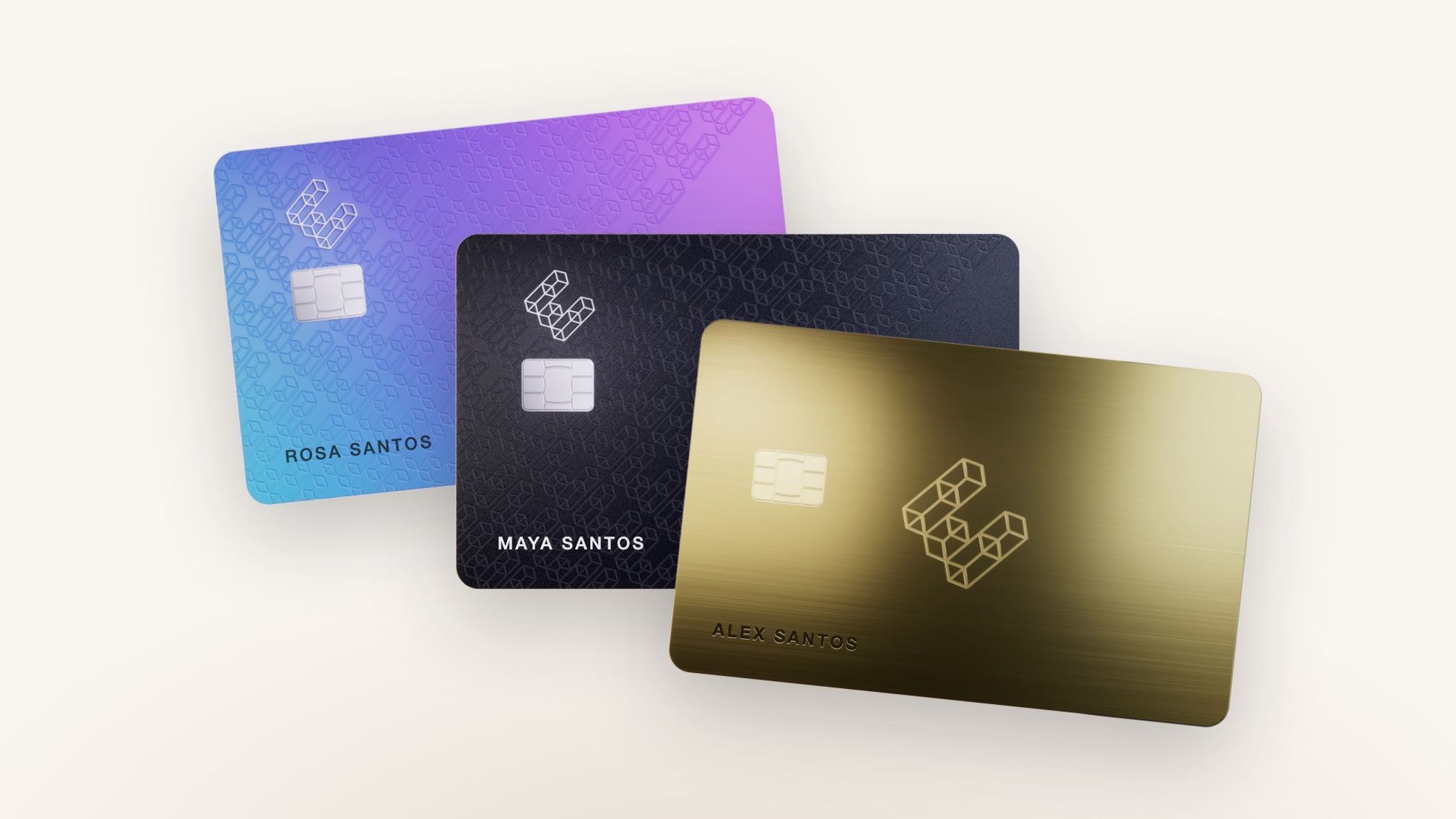
Give your partner, parents or adult children a credit card in their own name. They spend from your balance, up to the limits you set.
Family Cards are live in the ether.fi app for personal accounts. Give your partner, parents or adult children a credit card in their own name. They spend from your balance, up to the limits you set.
You manage the family’s spending from your own account: each card’s limit, every purchase and the balance they spend from. Family Cards were developed in collaboration with Rain.
Each Family Card is a credit card in the cardholder’s name, made for the adults in your family.
Family Cards come as virtual or physical cards for everyday spending online and in store. A physical card comes in any design up to your membership level and ships to them in their name.
A limit for each card. Set a limit when you share a card, and change it at any time.
Every purchase, card by card. See what each Family Card spends, right in your ether.fi app.
Freeze or cancel. Stop any card you share from the app, whenever you need to.
More when they need it. Your family member can ask for a higher limit from their own app. You approve it, change the amount or decline.
Cashback on every card. All Family Cards earn cashback, and it’s earned in your account.
Sharing a card doesn’t mean sharing everything. Your family member sees their own card, its purchases and their limits, but never your account balance. You never see their card number, PIN or home address.
Each cardholder uses their card from their own ether.fi personal account. If they’re new to ether.fi, they open one for free when they accept your invitation, and they can use it for their own money as well. If they already have an account, the Family Card is added to it, with no second account needed.
Everything happens in the ether.fi app, where Family Cards appear as Shared cards.
Your family gets cards of their own to pay with, and you keep the whole picture in one place: the balance they spend from, the limits on each card and every purchase they make.
For the full steps, see our help article on sharing a card. To get started, open the ether.fi app and go to Cards, or see how Family Cards work at ether.fi/family-cards.
Family Cards appear as Shared cards in the ether.fi app and are subject to the Shared Cards Terms, which add to the ether.fi Cash Cardholder Agreement. Purchases on a Family Card are made on the primary member’s account. Each Family Card counts toward your membership’s card allowance, and card fees may apply. Cardholders need an ether.fi personal account, which is free to open, and must pass identity verification. Availability varies by jurisdiction.