
•ether.fi
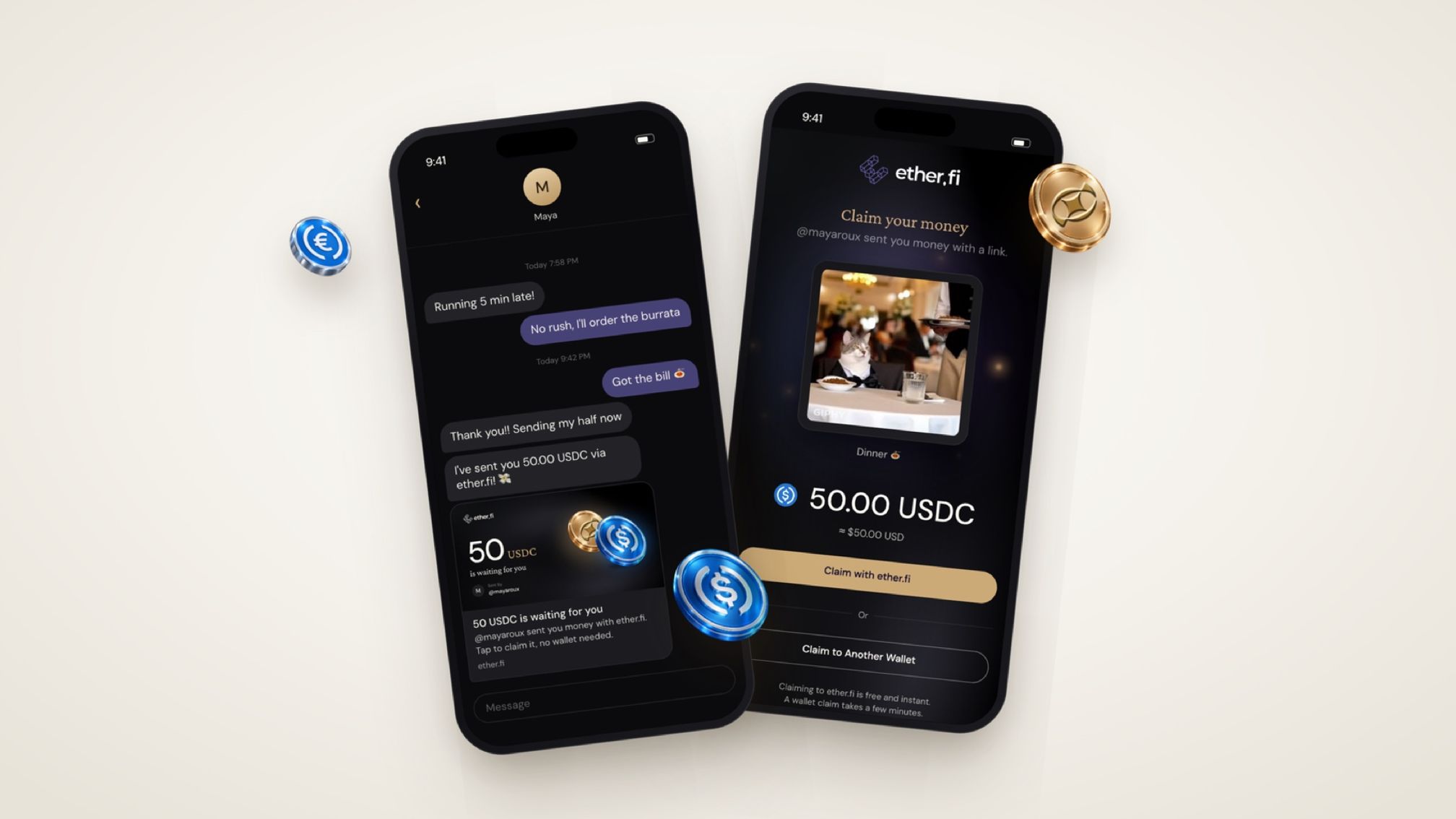
Send money to anyone with a payment link. They claim it into ether.fi or their own wallet, and you can cancel any time before it’s claimed.
Payment links are live in the ether.fi web app for personal accounts. Create a link, share it in any chat, and the person you send it to claims the money into an ether.fi account or their own wallet. They don’t need to give you bank details or a wallet address, and they don’t need an ether.fi account to open the link.
Sending money usually starts with asking for something: an account number, a wallet address, the right network. With a payment link, you send the money first, and the person who opens it decides where it goes.
Select Send, then Payment link. Under What do you want to send?, pick an asset, then enter the amount in the asset or in dollars. Add a note of up to 60 characters, emoji included, and a GIF if you like. Select Preview Link, check the details, then select Confirm and Create Link.
Each link holds between $1 and $100,000 in stablecoins, ETH and more. To send more than that to another member, use their ether.fi Tag. Creating a link is free. The money leaves your balance when you create the link and stays set aside until it’s claimed or you cancel.
When you see Your link is ready, select Copy Link to paste it into a message, open your device’s share sheet, or show the QR Code for someone nearby to scan. Anyone who has the link can claim the money, so send it only to the person it’s for.
You can copy a link once, right after you create it. If you lose it, open it in Transactions and select View Link. You get a new link for the same money, and any copies you already shared stop working.
When they open the link, they see the amount, your note and your GIF. Then they pick one of two options:
Every open link shows under Unclaimed links on Home, and in Transactions as Waiting to be claimed. A link stays open until someone claims it or you cancel it. To take the money back, open the link and select Cancel Link. The link stops working and the money returns to your balance right away. Once someone claims it, the status changes to Completed.
A payment link works for people who have never used ether.fi. When someone claims your link and opens their first ether.fi account, they become your referral.
Payment links are in the ether.fi web app today, for personal accounts. For every step, see How do I send money with a payment link? and How do I claim money someone sent me with a payment link? in the ether.fi help centre.
Send a payment link in the ether.fi web app