
•ether.fi
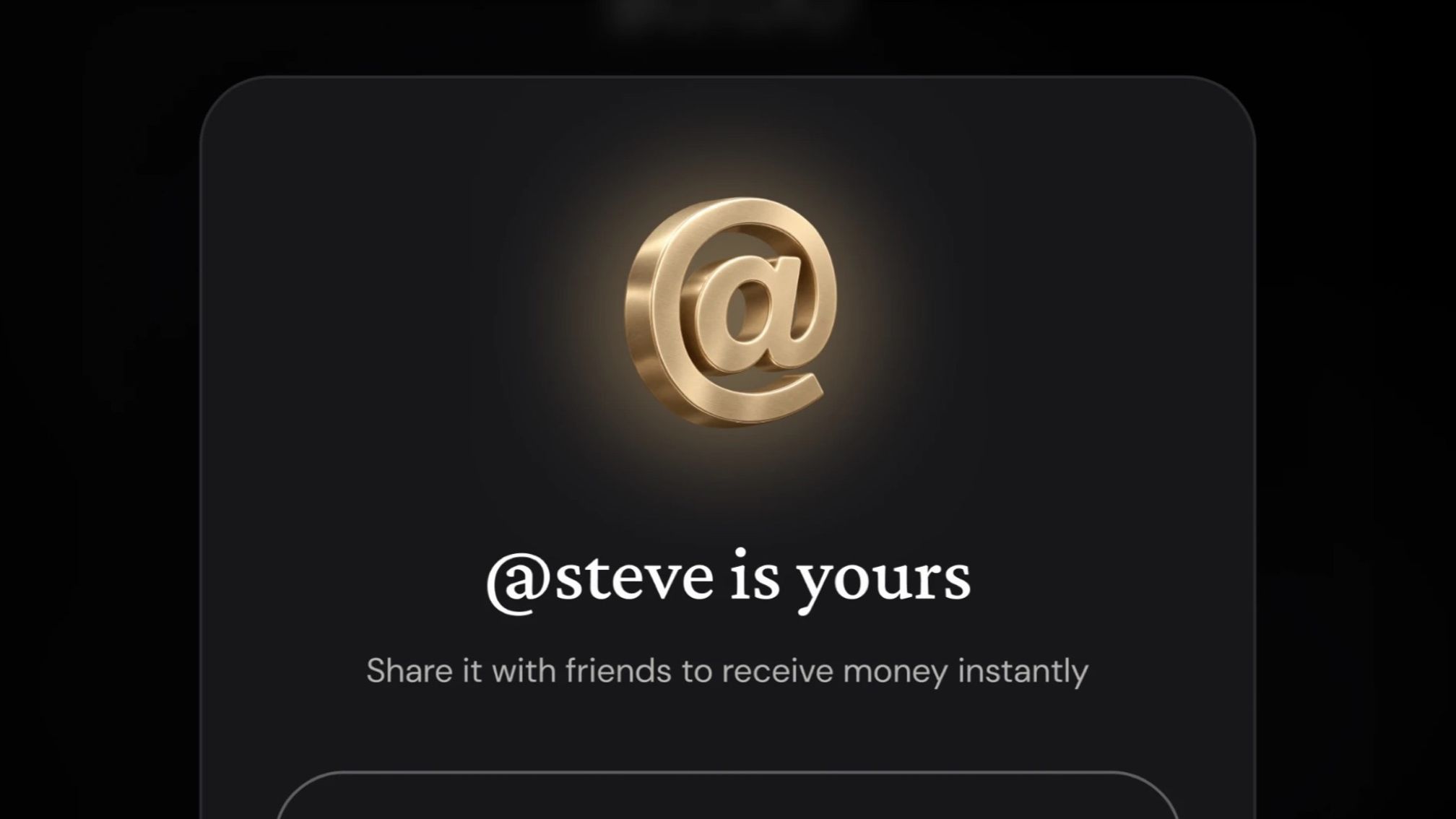
Claim your ether.fi Tag and pay other members by name. Send and receive money without sharing wallet addresses, with control over who can find you.
Your ether.fi Tag is a short, unique name like @steve. Claim yours, share it to get paid, and pay other ether.fi members by entering their full Tag. Tags are available in the ether.fi web app for personal accounts, and coming soon to our iOS and Android apps.
Sending money to a friend shouldn’t mean copying a long wallet address between apps. With a Tag, you can pay another member using their @name.
Go to Settings, then Account details, and select Set Up Tag under Your Tag, or use the Claim your Tag tile on your home screen. Type the name you want and we check it as you type. When it’s free, select Claim @yourname.
A few things to know before you pick:
Select Send and type @ followed by your friend’s full Tag. If there’s a match, you’ll see their display name and Tag under Tag match, so you can check it’s really them. Choose the asset and the amount, check Confirm Send, and you’re done. The payment shows in your transaction history as “Sent via Tag”.
You’ll need your own Tag before you pay someone by Tag, so the people you pay always know who it’s from. If you haven’t claimed one yet, we’ll ask you to pick it first and bring you straight back to your payment.
Right after you type a full Tag, select Save @name as a recipient. Next time, type @ and the first letters of their Tag, and they show up from your recipients, so you don’t need to remember the whole name. Saving someone also means you can keep paying them even if they later stop people finding them by Tag.
Search only shows a person when someone types their exact Tag, and nobody can browse a list of Tags. The Let people find me by Tag setting is on when you claim your Tag. Turn it off in Account details and only people who’ve already saved you can pay you. You can add a display name too, so friends recognise you when they search.
To get paid, select Copy next to your Tag and send it to whoever’s sending you money. Money sent to your Tag lands in your ether.fi account and shows as “Received via Tag”.
Tags are in the ether.fi web app today, on personal accounts. For every step, see How do I claim an ether.fi Tag and pay someone with it?.
Claim your Tag now in the ether.fi web app.